

Our optimization software
A simple version of the program can be used for commercial and non-commercial purposes, study and research. They contain only the basic functions of the supplied systems. Details are provided in the license by pressing the button on the home screen.
In professional version, the number is limited only by the capacity of your computer. They contain a number of other special functions entered by parameters. Input data can be text files or Excel files, output data can be text files, Excel or Word files.
A new possibility to use the system.
Integration version serves to integrate the system into your application or information system. (So far only DelProTab)
It comes in two variants.
- Offline variant In your application or information system, you create input files and call a program that performs the optimization, creates output files, and informs you of the result
- Online variant In your application or information system, you will use functions in C#, C++ to optimize your data and take over the results
The software are intended for Windows 7 and higher operating systems.
Software for businesses
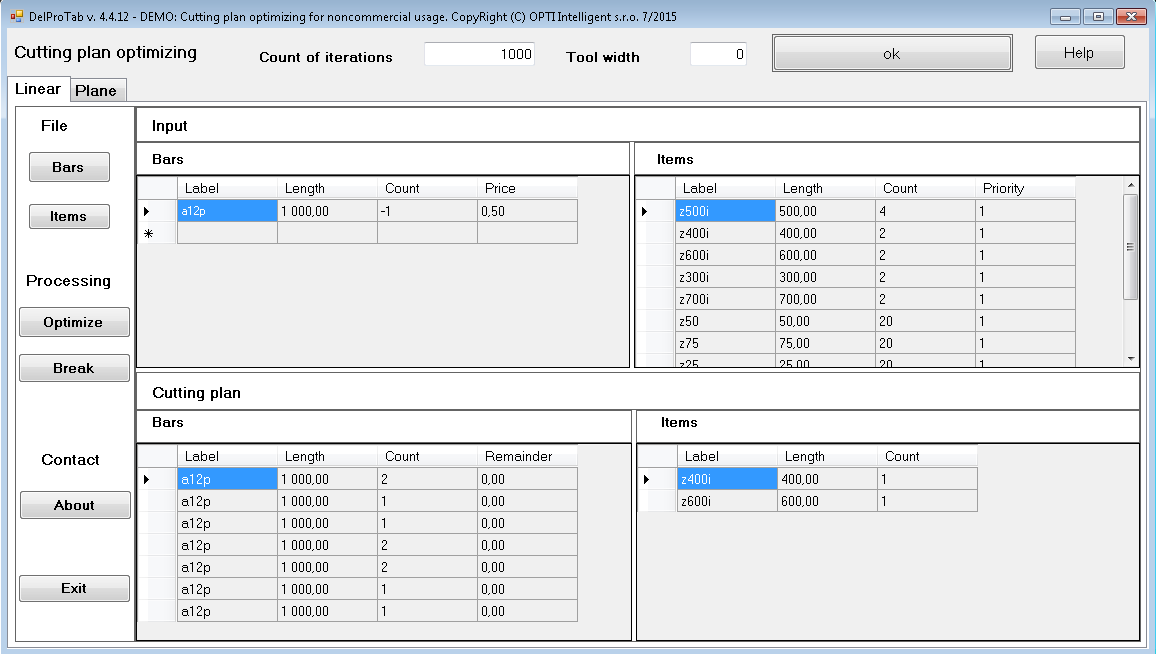
DelProTab
System DelProTab creates plans for cutting bars or planar material. The goal is to find plan which would produce minimum waste. System uses the modern theory of artificial intelligence in combination with heuristics which were improved during last years. The software is easy to use so an operator worker can use software flexible and can minimize loss.
This version includes optimization of burning plans including NC program generation.
Price list of individual versions:
Desktop versions:
| Product | Simple version | Profes. version | Mulitilic. for 1 lic |
| Bar optim. | 0,- € | 400,- € | 300,- € |
| Optim. of regular objects on the panel | 0,- € | 400,- € | 300,- € |
| Bar + surface optim. combined | 0,- € | 600,- € | 400,- € |
| Optim. of material cutting on angle saws | 0,- € | 800,- € | 600,- € |
Integration version:
| Product | Offline version | Offline version | Mulitilic. for 1 lic |
| Bar optim. | 600,- € | 800,- € | 400,- € |
| Optim. of regular objects on the panel | 600,- € | 800,- € | 400,- € |
| Bar + surface optim. combined | 800,- € | 1000,- € | 600,- € |
| Optim. of material cutting on angle saws | 800,- € | 1000,- € | 600,- € |
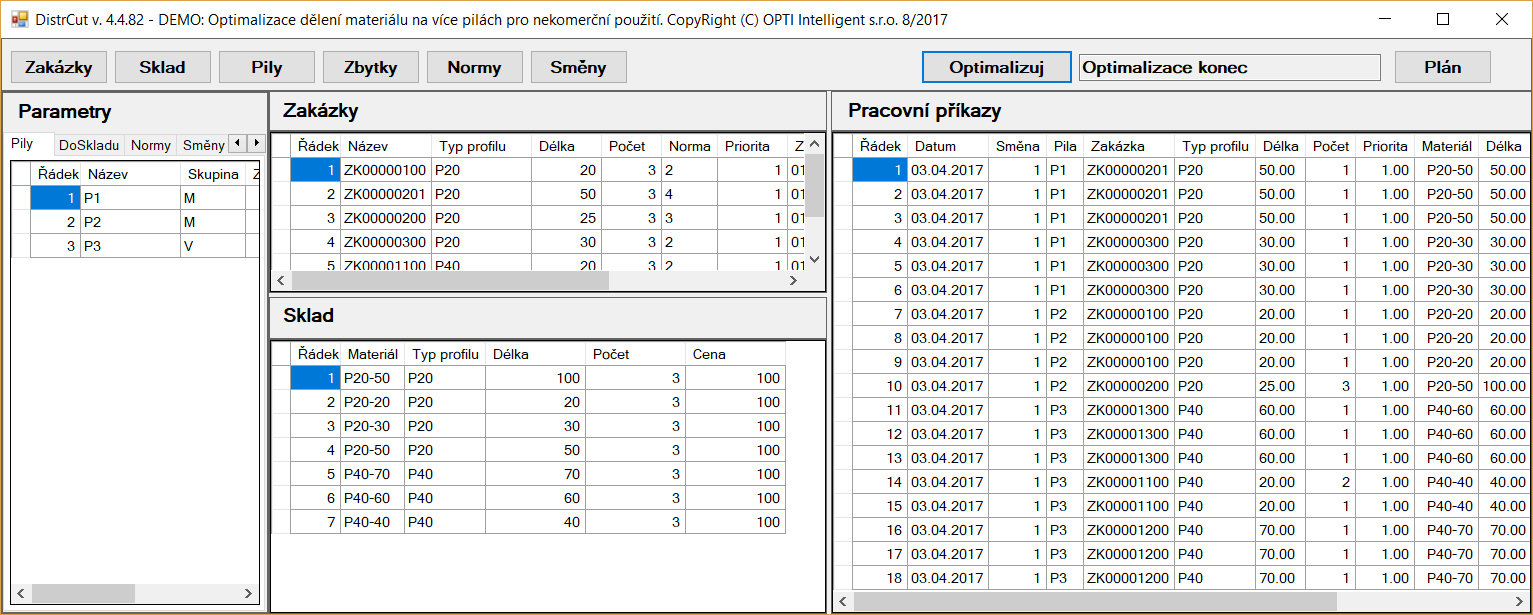
DistrCut
The DistrCut system is a software system used to optimize the division of material at the operation with different types of saws in connection with the superior information system. Optimization is solved by the method of distributed intelligence.
Overtime planning and an algorithm for multi-day planning is implemented.
Price list of individual versions:
| Product | Simple version | Profess version | Multi license for 1 lic. |
| Cutting material on different saws | 0,- € | 600,- € | 400,- € |
Research software
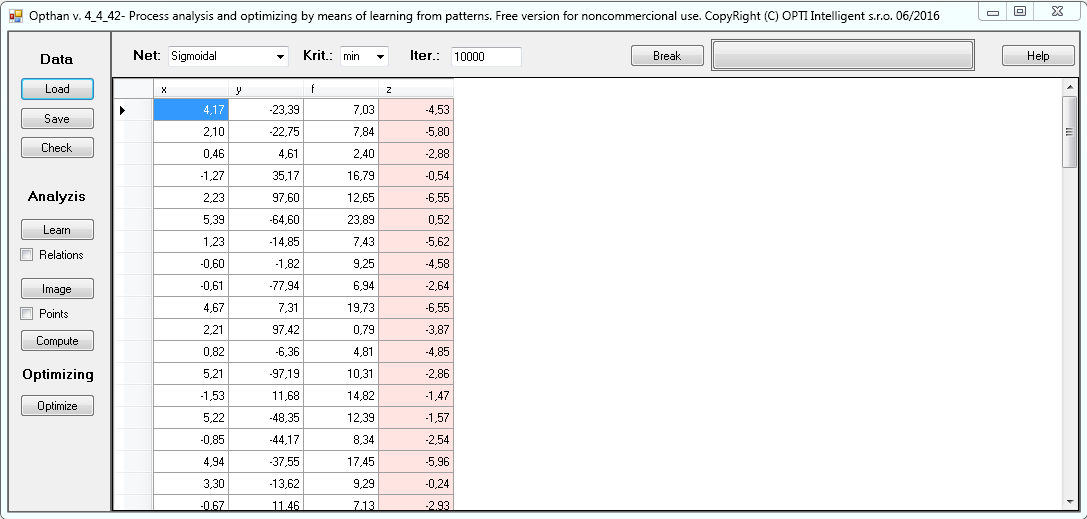
Opthan
The system Opthan is intended to provide common analysis and optimizing of processes. They use most modern methods of artificial intelligence theory in combination of original heuristic methods developed in course of authors' long-term research activity. The goal was to provide technologists an easy controllable tool for an evaluation of very large process data collection, for a discovery possible defects in these data and graphical display of the dependencies in this process and for proposing a combination of optional parameters in order to achieve the best economic effect.
Detailed information about this system and application examples can be found in the file Tutorial.docx.
Our own OPTI experimental neural networks are included.
Price list of individual versions:
| Product | Simple version | Professional version | Multi license including sale (price for 1 license) |
| Analysis and optimization of processes | 0,- € | 800,- € | 600,- € |
